Overlay Blender Plugin
A downloadable Plugin
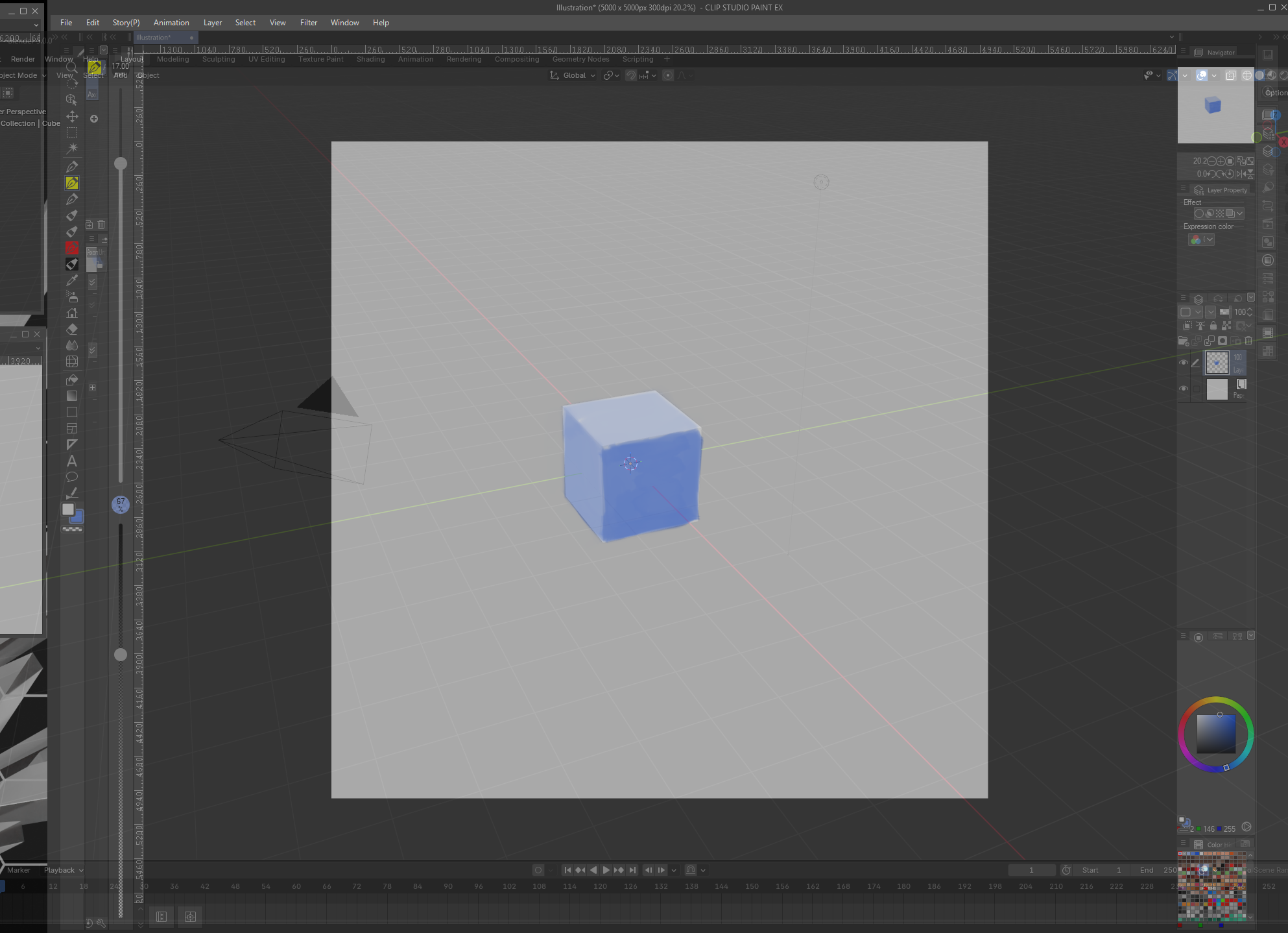
You can use this plugin to overlay your blender window onto other programs, such as photoshop, CSP, or texture painting software.
Useful for Concept Art, difficult compositions, lighting reference, and texture painting.
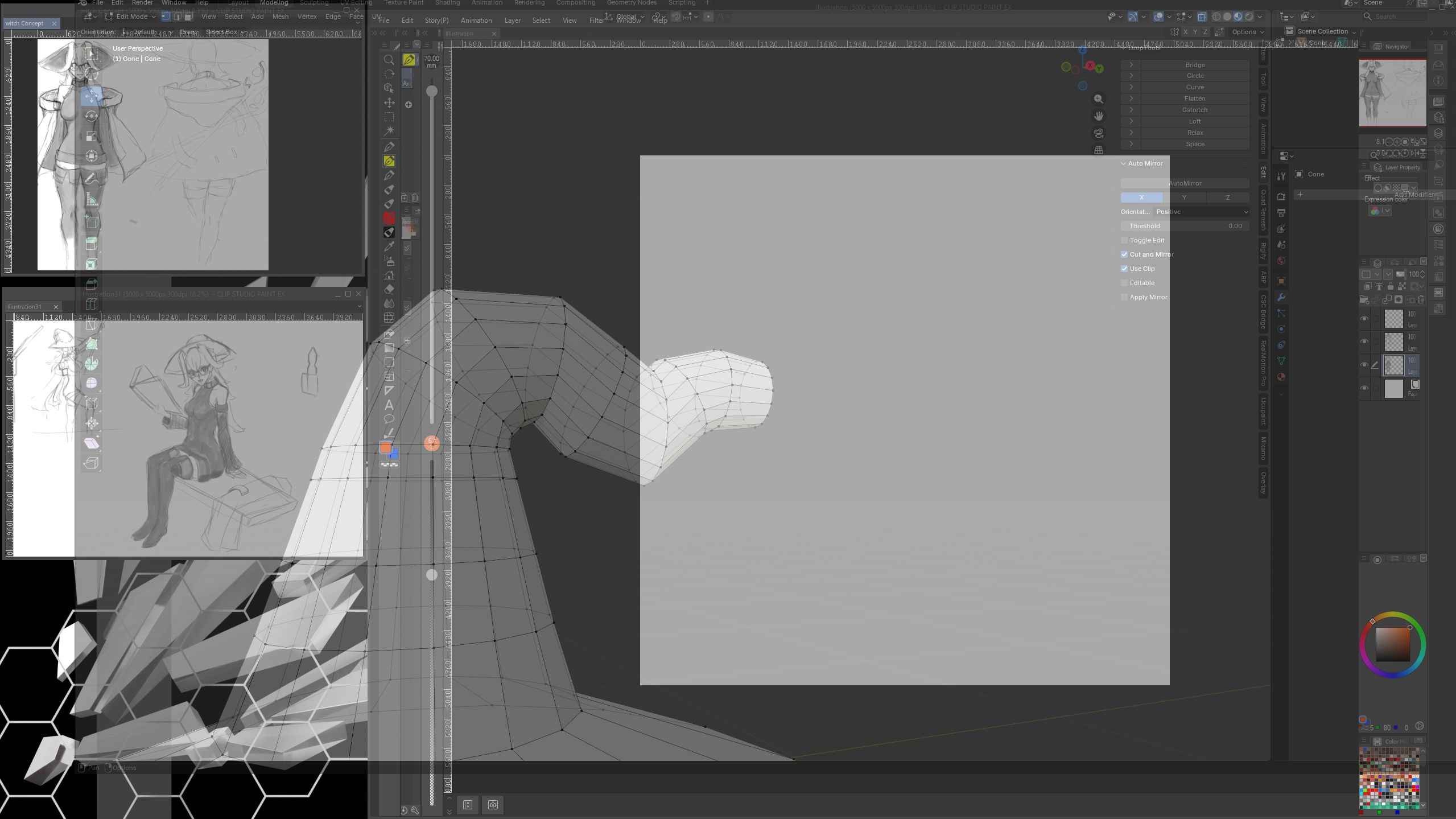
Currently Windows ONLY, mac and linux compatible versions coming soon.
Quick Start Guide
- `Ctrl + Shift + D` toggles overlay mode by default (global hotkey).
- Blender becomes semi-transparent, stays on top, and can be click-through.
- Hold `Left Alt` and drag with left mouse over the Blender overlay to move the window.
- Dragging only starts from a configurable edge band of the window (default `400 px`).
- Pressing `Alt` by itself keeps click-through enabled while in overlay mode.
- Release the hold key to lock it in place and resume click-through behavior.
Install
1. Open Blender.
2. Go to `Edit > Preferences > Add-ons`.
3. Click `Install...` and choose `blender_overlay_plugin.py`.
4. Enable `Blender Overlay Window`.
Configure
In the add-on preferences:
- Change overlay opacity.
- Enable/disable click-through and always-on-top.
- Change the global toggle hotkey modifiers/key.
- Change the hold-to-move key.
- Change `Drag Edge Width (px)` for edge-only move dragging.
Download
Click download now to get access to the following files:
Leave a comment
Log in with itch.io to leave a comment.